
In this guide you will learn how to delete a saved report in Office Tools.
It can be useful if you have saved a report that you do not need anymore.
Step-by-step guide
1. Find the report you want to delete and mark it. In this example the report is saved under Reports.
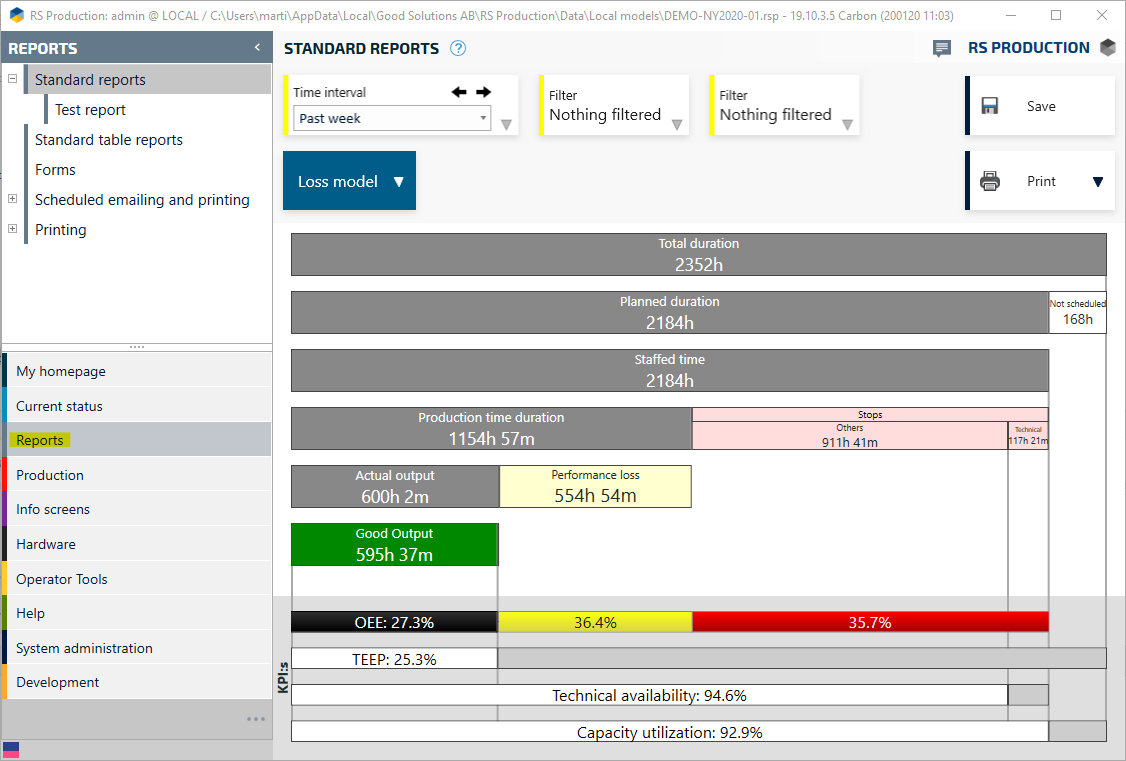
2. Hold down Alt on your keyboard and left klick on the report that you want to delete. In this case we choose Test report
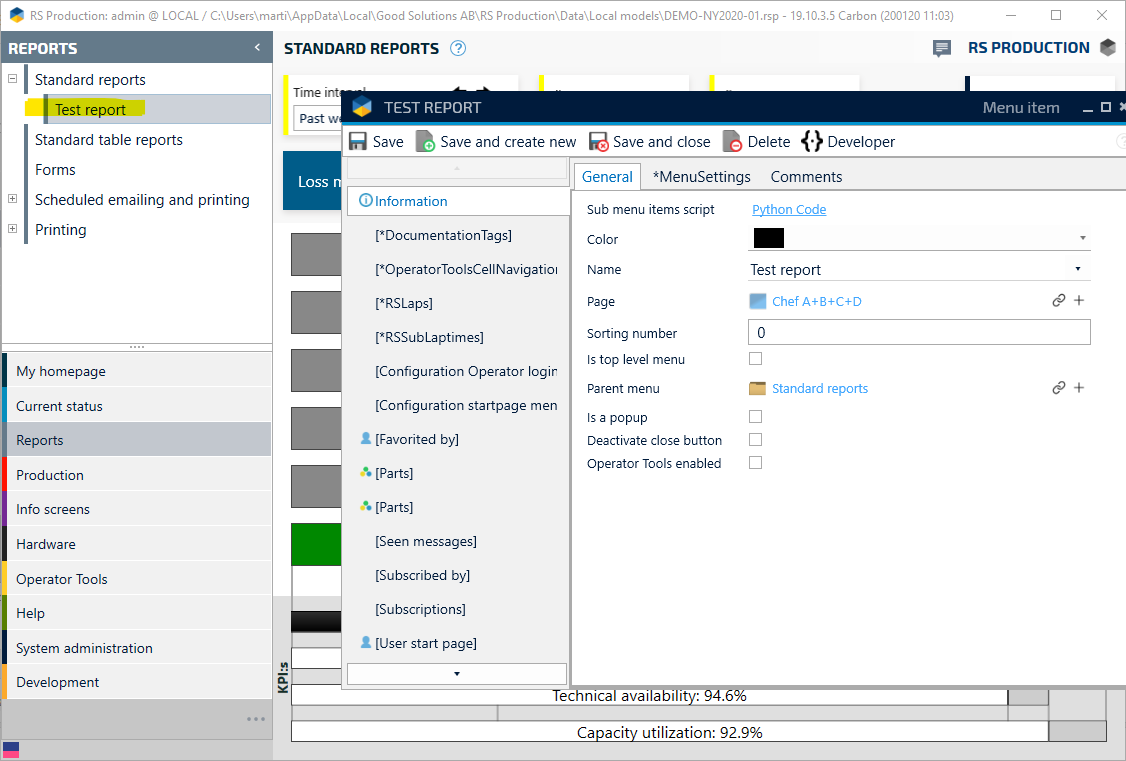
3. Klick Delete
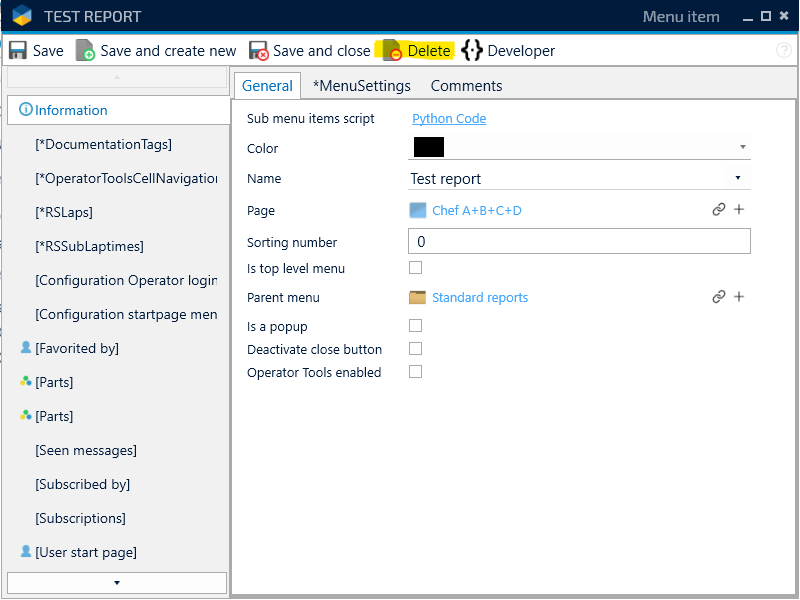
4. Finished!