
Operator tools is run on a Windows PC and there are many different types you can use.
If you want to use existing PC or buy from a third party, here’s the RS Production System Requirements
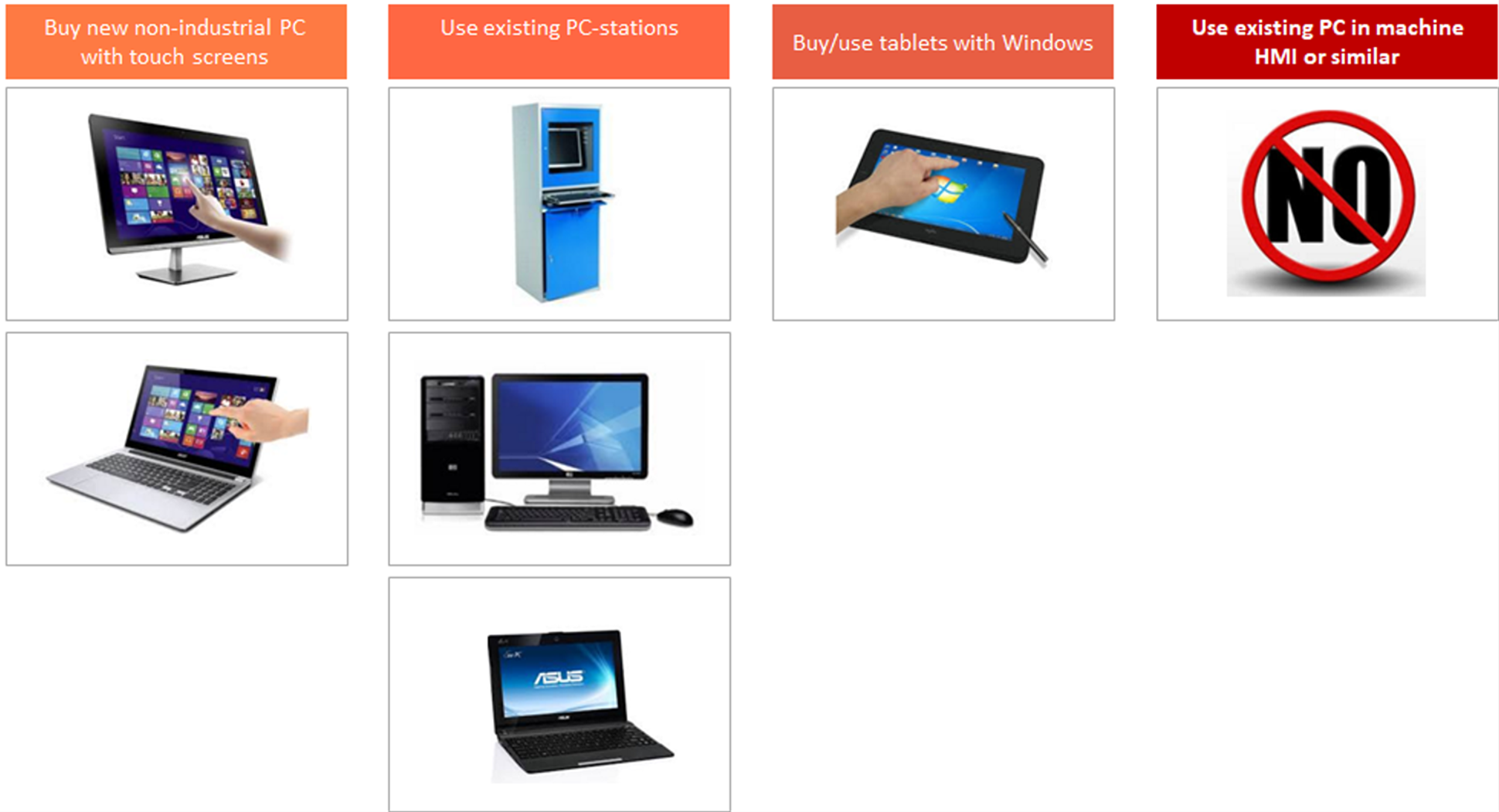
A - Buy new non-industrial Panel-PC with touch screen
Advantages
-
Touch screens makes it easier for operators to report
-
Touch screens helps operators to quickly achieve a good competence level
-
Lower price than an industrial Panel-PC
Risks
-
Non industrial PCs / screens are not designed to run 24/7
-
Non industrial PCs / screens are not designed to be mounted on vibrating equipment
-
RS Production support service can not guarantee to help with all support cases
B - Use existing PC stations
Advantages
+ Minimal cost
Risks
-
Can be long distances between operator and the PC
-
Other software windows can be placed on top of RS hiding the tool for the operators
-
Several different hardware specifications makes it difficult to support a larger installation
-
RS Production support service can not guarantee to help with all support cases
C - Buy/use tablets with Windows
Advantages
-
Relatively low cost
-
Can be carried
Risks
-
Not designed to run 24/7
-
Runs out of battery and needs to be charged continuously
-
Must be carried and can be hard to find when you need it
-
Can be attractive to steal