
This article describes how to set a schedule for version update. This is relevant for versions 19.6 and later.
Once you have set the schedule, you can choose if the system should perform the update automatically according to the schedule or if you want to manually approve the update before it is initiated.
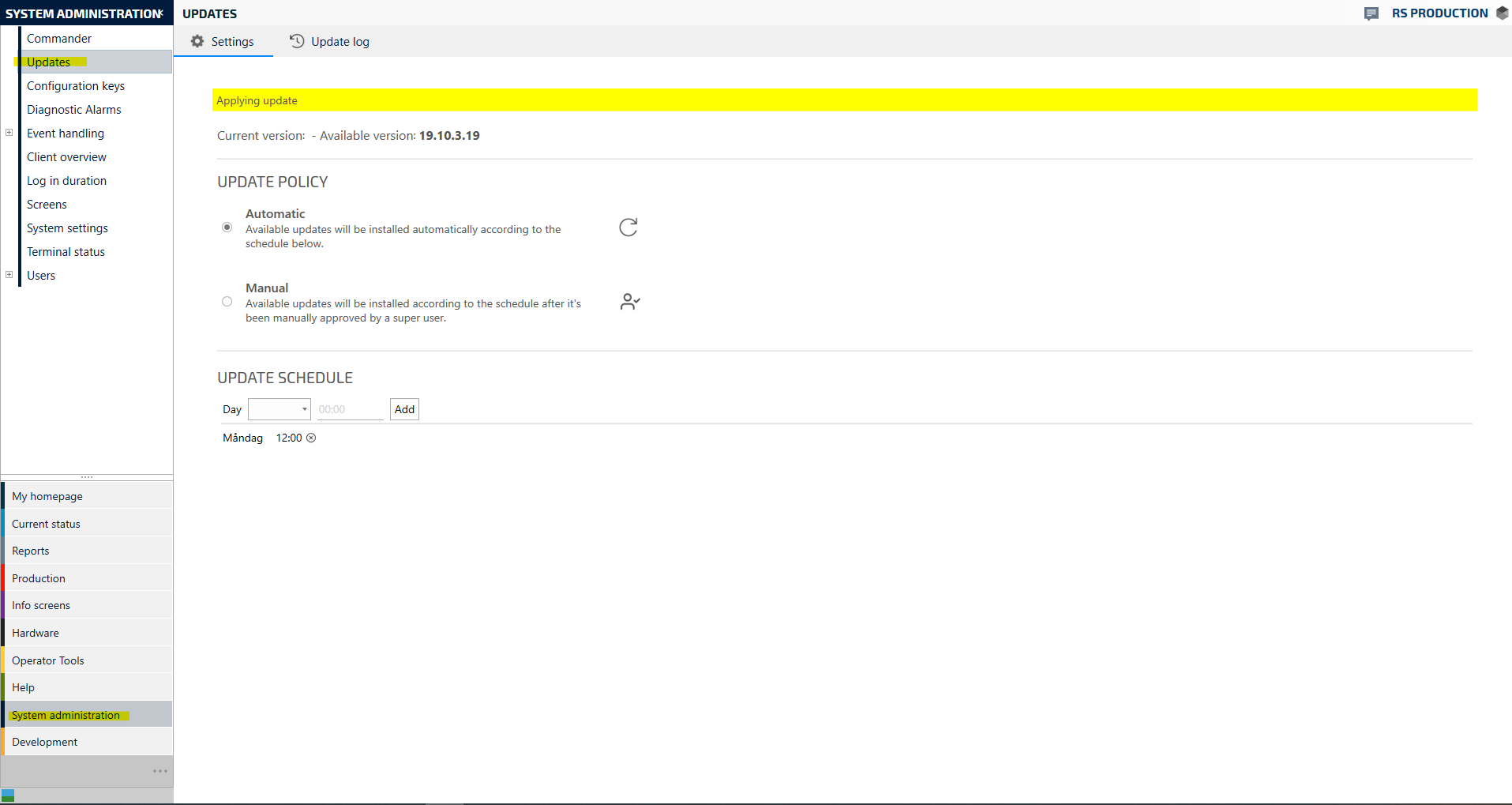
1. Go to System administration and choose Updates
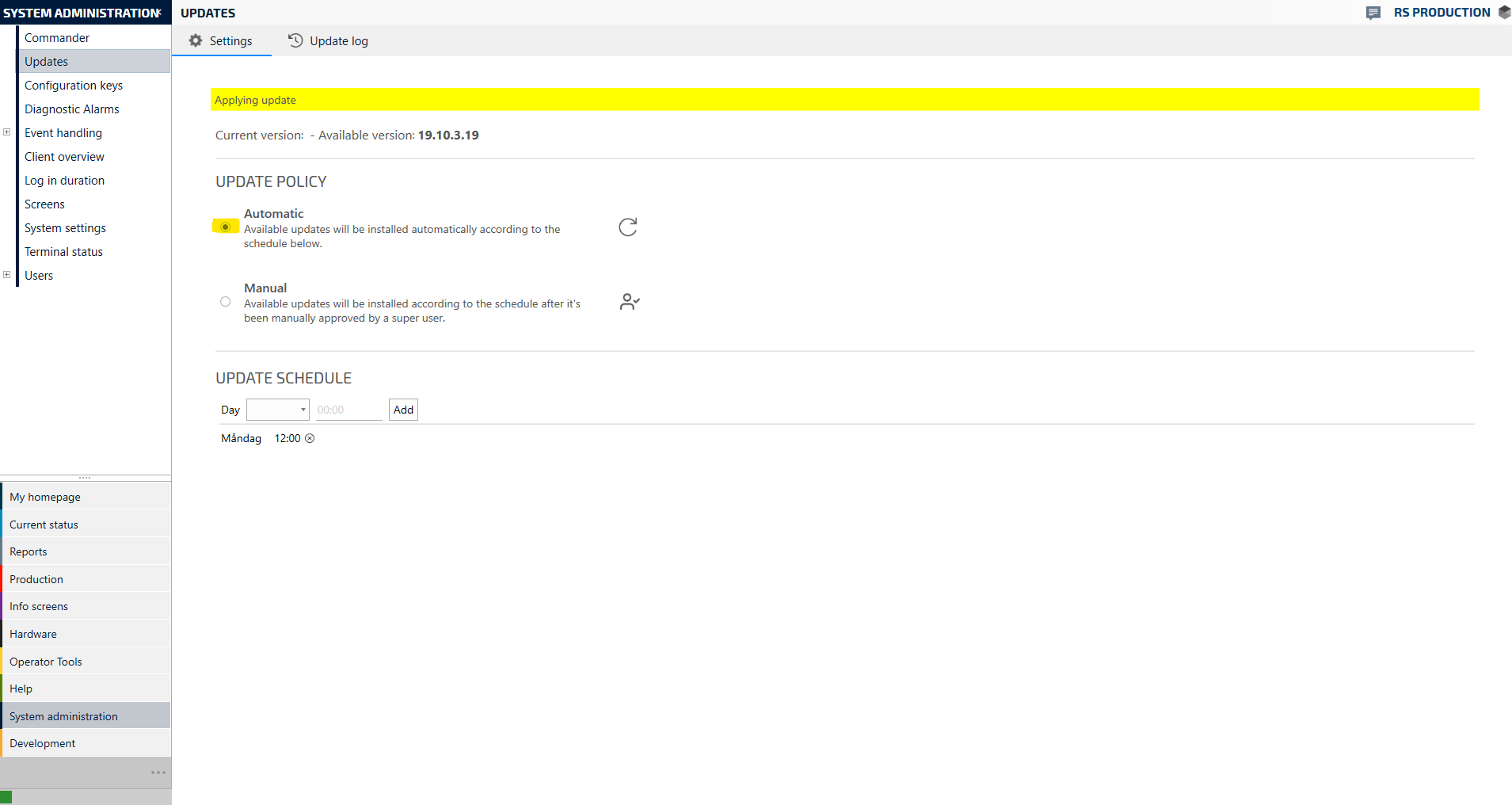
2. If you want the system to automatically update after your predefined schedule, choose Automatic as in this example. If you don't want the system to update without first manually approving it, choose Manual.
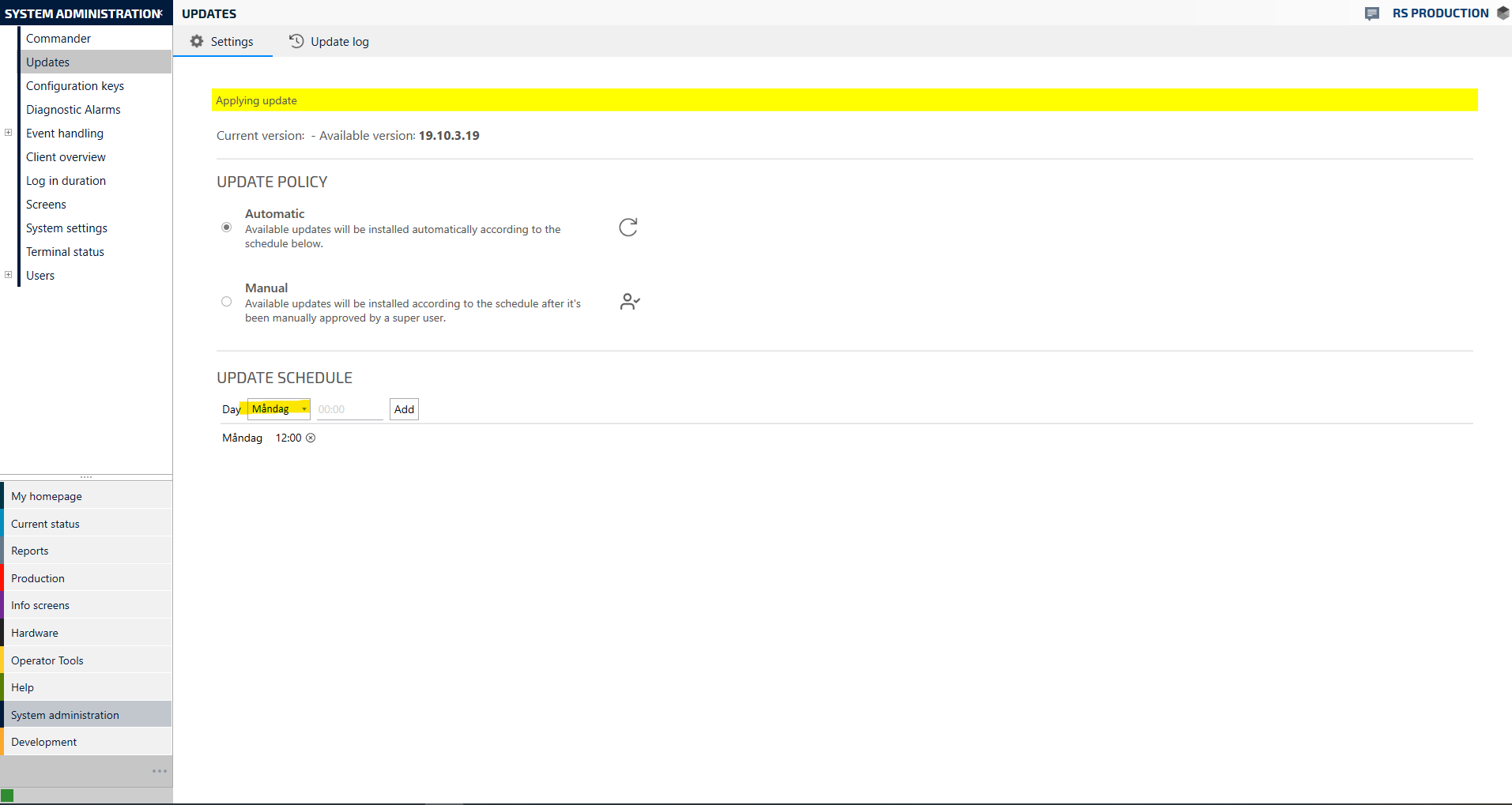
3. Choose Day
4. Choose time for the update, then Add
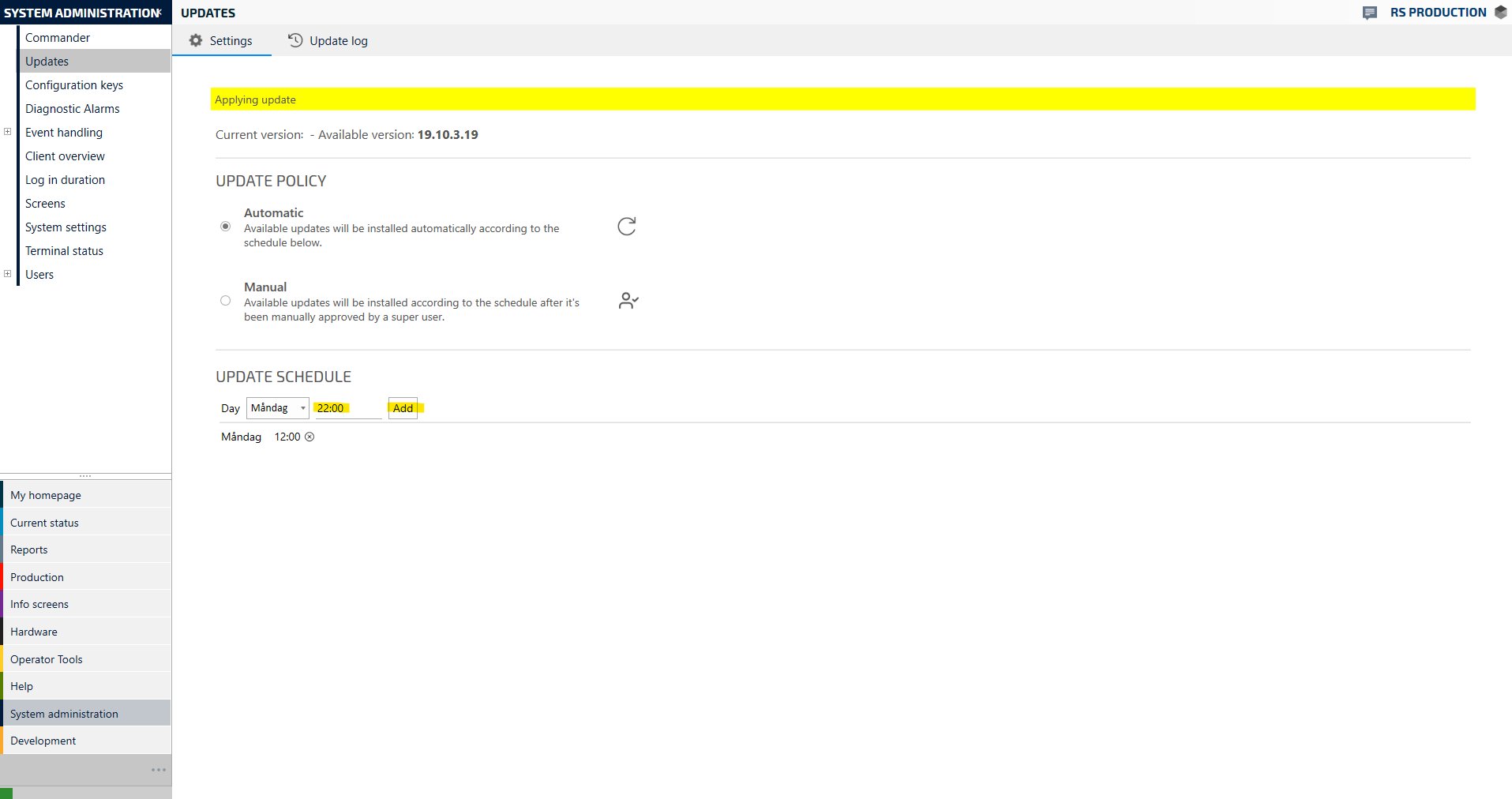
5. Finished! Now the system will update to the latest version of RS Production according to the set schedule. If you have chosen Manual, the system will first ask for your approval before initiating the update.